
Celebrating Latinx Heritage Month: Environmental Health Services hosts event with Chief Justice Gonzalez of the Washington State Supreme Court, Sept. 9


A few years ago, when Environmental Health Services (EHS) Program Manager Greg Wilson was asked to create a program that looked for the future workforce for Public Health – Seattle & King County (PHSKC), he not only ran with it, but wholeheartedly embraced the opportunity. Today he serves as the Program Manager for the EHS Division’s Education Engagement Strategy Program.
The Program focuses on providing Science, Technology, Engineering, Arts, and Math (STEAM) opportunities for middle school to college-age students that include internships, work study, and job shadow opportunities. It also offers an eight-day teacher externship and has a wealth of community partners throughout a network of academia who act as supportive hosts.
“The program is focused on STEM – Science, Technology, Engineering and Mathematics – but the ‘A’ was added later to provide for further opportunities where youth are interested in Arts,” shared Greg. “We are promoting, developing, and facilitating programs to capture the imagination of all stakeholders.”
For Greg, the program’s objective has always been to do one simple thing.
“It’s about connecting hearts and minds. It’s about bringing a love component while making a positive difference through people,” explains Greg.
After PHSKC declared “Racism is a Public Health Crisis,” Greg sought a new level of engagement – one that would particularly join students of all ages with employees at all levels, to discuss racism.
“I want to honor the past and celebrate the future. I believe we need to have open and informal conversations – not depositions, but opportunities where we may connect and appreciate each other’s life story,” said Greg. “This is how the CoffeeConversation series evolved.”

This Thursday, Sept. 9 from 12:30 – 1:30 p.m., the Education Engagement Strategy Program is partnering with the King County Latinx Affinity Group for a CoffeeConversation Session with Chief Justice Steven C. Gonzalez of the Washington State Supreme Court. This is the fourth conversation the program will be hosting. The previous session invited Dr. Ana Mari Cauce, President of the University of Washington and Stella Keating, a Tacoma teen advocate for trans and nonbinary youth. The series was launched by epidemiologists Amy Laurent, with Public Health – Seattle and King County (PHSKC), and Mo West, with the University of Washington. Thursday’s session will be followed by one featuring PHSKC Healthcare Managers Amy Curtis and Tiffany Liu to celebrate National Nurses Week, May 6-12. Afterwards, the next conversation will be with the professional ice hockey team, The Seattle Kraken.
When asked how he hopes this Thursday’s session will go, Greg responds with, “Come as you are. Conversations are meant to allow us to meet each other where we are. It’s these types of conversations that will allow us to inspire and ignite the passions of youth by encouraging them to honor their journey – building their self-confidence by stirring up the many possibilities, while the important Community Village empowers them to prepare for pursuits they may never have envisioned as leaders for tomorrow.”
To join the CoffeeConversation event on Thursday, Sept. 9, visit this Zoom link and enter Meeting ID: 833 5995 4651, and password: 890148. The event is from 12:30 – 1:30 p.m. and is open to the first 300 participants.
About: Greg considers himself a generalist who took the community college track then transferred to Arizona State University where he graduated in business. Afterwards, he went on to become a systems engineer for IBM, then took on various executive leadership positions with the University of Washington, the Boys & Girls Club, and Boeing. He also founded a non-profit organization before coming to King County.
About: The King County Latinx Affinity Group’s mission is to build equitable community for King County Latinx employees and the Latinx community at large. Our values define the way we act, what’s important to us, and our expectations for ourselves and one another. For more information, visit the webpage at www.kingcounty.gov/AffinityGroups.
Share this:

2020 Innovation Award for Service honorees

The King County Innovation Awards seek to honor employees within department teams whose projects, improvements, and ingenuity deliver exceptional, measurable results. This year, however, the Service award honors not individuals, but teams who pulled together to address the urgent needs of the COVID pandemic in our community. The True North values of “We are one team,” “We solve problems,” and above all, “We respect all people” drove these teams to come up with creative and effective solutions that truly aided some of the most vulnerable in our community.
Due to the pandemic, the Executive and other leaders at King County congratulated the 2020 honorees by video.

The 2020 Innovation Award for Service honorees are the Department of Public Health – Seattle and King County, the Department of Community and Human Services, Metro Transit, and the Department of Executive Services.
In addition, at the insistence of these departments, special recognition was imparted on the Department of Executive Services, Facilities Management Division and the Office of Emergency Management. The honorees said they could not have accomplished what they did without the support of these groups.
To view the members of each project team, click here.
“These proactive and creative solutions to protect the most marginalized have been recognized and modeled nationally,” Natasha Jones, Director of Customer Service for King County, said in the video announcing the honor. “Their combined efforts have literally saved lives. There’s probably no better demonstration of what we can accomplish when we act as one team.”
“Joining forces with other King County, government and community partners they reduced the spread of COVID-19 among the region’s most vulnerable populations, many of whom are Black, Indigenous, and people of color,” Jones stated. “This work helped King County achieve one of the lowest rates of death due to COVID-19 among the country’s most populous counties.”
Here are just a few examples of the creative work that garnered the honor for these teams:
- Public Health set up and staffed seven isolation and quarantine sites where people could recover from COVID-19 exposure or illness if they did not have a suitable place to stay.
- Metro worked with their Access para-transit partner to transport people with confirmed or presumed COVID-19 diagnosis to and from isolation and quarantine sites, medical facilities, homeless shelters, and assisted living facilities.
- Community and Human Services created a sheltered deintensification plan to reduce the spread of COVID-19 in congregate shelters, which also created an opportunity to connect with the treatment and services people need to help escape homelessness.
Executive’s Performance Excellence Awards
The Innovation Awards are part of the Executive’s Performance Excellence Awards series, honoring employees, and workgroups at King County for their exceptional contributions to performance, leadership, and innovation.
“As we build a best-run government at King County, these awards recognize individuals and teams who have gone above and beyond to look at how they can do things differently to better serve our customers and employees,” said King County Executive Dow Constantine.
Learn more about the King County Performance Excellence Awards here.
Share this:

September is National Recovery and Suicide Prevention Awareness Month

Dear fellow King County employee,
September is National Recovery and Suicide Prevention Awareness Month, and it comes at a time when anxiety and pandemic-fueled trauma are on the rise nationally after some recent improvements. At King County we have seen a similar trend in a recent survey of employee well-being and belonging.
I know this is a worrying time, with COVID-19 once again surging, new restrictions being put in place, and parents getting ready to send their kids back to school after so many months. We need to continue to pay particular attention to our mental health and the mental health of our loved ones, friends, and colleagues. Each year thousands of people die by suicide, leaving behind their friends and family members to navigate the tragedy of loss.
Together we can play an important role in destigmatizing mental health by talking openly about it. We can help one another by checking in on one another. We can help by learning to recognize the warning signs and what resources are available to help people in crisis. We can help by caring for one another and being there with support in challenging times.
Effective and compassionate resources are available for you, a loved one, or a colleague, 24 hours a day, and many people have found hope and support through them:
- Mental Health Benefits and Resources for King County Employees
- Mental Health Accommodations for King County employees
- Mental Health First Aid Training
- National Suicide Prevention Lifeline: 1-800-273-TALK (8255)
- Making Life Easier: 1-888-874-7290, 24/7 support available for King County employees and their families. Call to speak with a Making Life Easier counselor and receive help in a crisis, as well as get you or anyone living in your home set up with eight free sessions of counseling.
- Crisis Connections: 866-4CRISIS (427-4747), a 24-hour crisis line
- Crisis Text Line: Text HOME to 741741 to connect with trained crisis counselors about anything that’s on your mind. Free, 24/7 and confidential
- For immediate crises, call 911 right away.
Watch for Recovery and Suicide Prevention events, activities, and educational opportunities throughout September where you can learn how to better care for your mental health and for the people around you. Together we can help break the silence and stigma, and spread the message that hope, help, and support are available.
Please continue to look out for yourself and for one another this and every month.
Sincerely,

Whitney Abrams (she, her, hers)
Chief People Officer
Share this:

Getting vaccinated is more important than ever
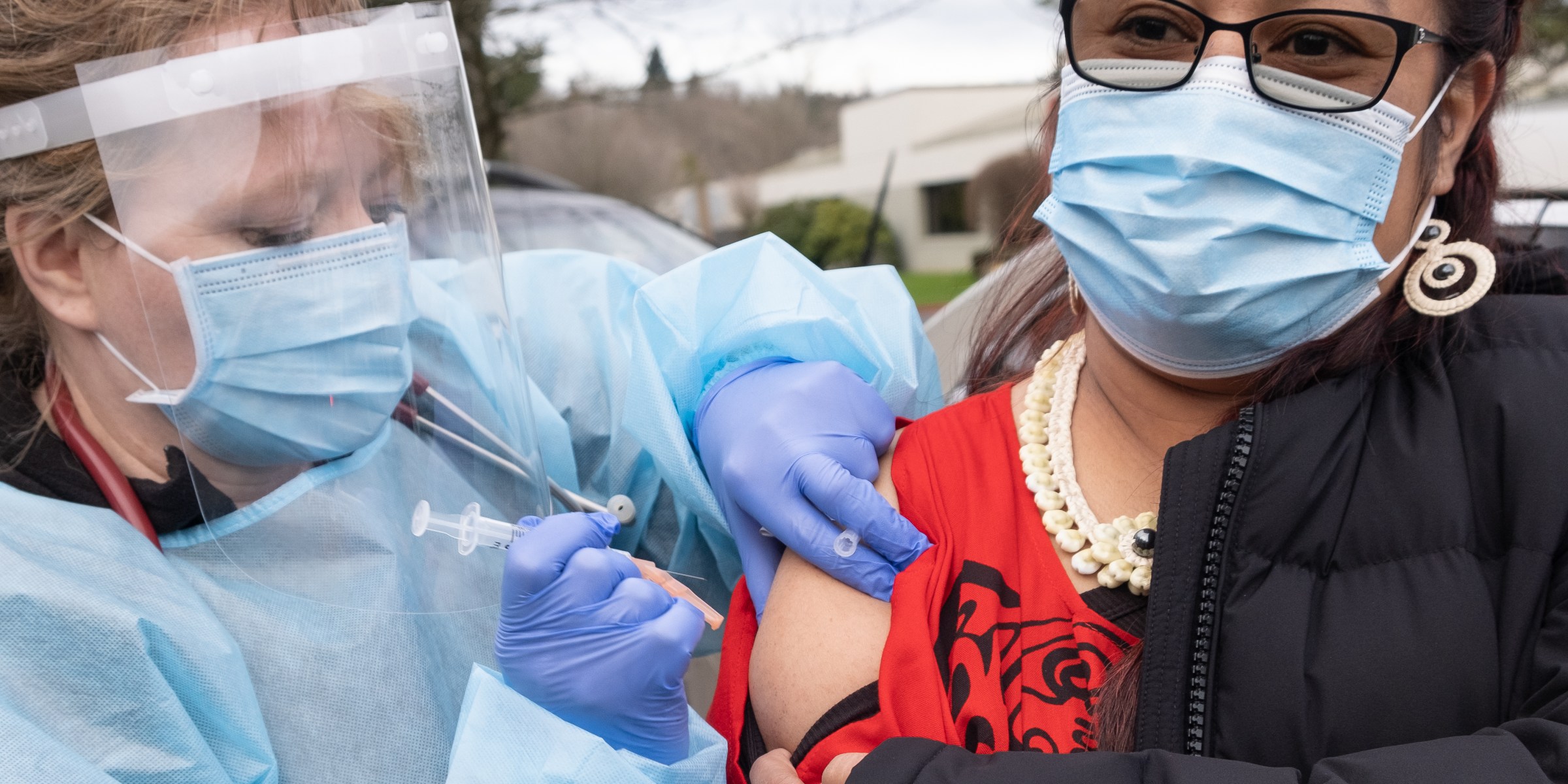
When you’re exposed to COVID-19 today in King County, it’s most likely that you’re being exposed to a highly contagious variant of the virus. Of the recent COVID-19 test samples genetically sequenced in King County, about 90 percent represent a variant of concern and not the original strain of the virus, and about 60 percent of these are the Delta variant. This is concerning because the Delta variant is so contagious.

The large majority of recent cases, hospitalizations, and deaths are among unvaccinated residents. Almost 95 percent of recent hospitalizations and deaths due to COVID-19 in King County occurred among people who aren’t fully vaccinated.
The most important way to protect yourself and your community against COVID-19 and the particularly contagious Delta variant is to get vaccinated. Vaccines provide strong protection against the original strain of COVID-19 and variants of concern.
The COVID-19 vaccine cannot make you sick with COVID-19. None of the COVID-19 vaccines contain the live virus that causes COVID-19 so a COVID-19 vaccine cannot make you sick with COVID-19. All COVID-19 vaccines currently available in the United States have been shown to be highly effective at preventing COVID-19. These vaccines have been studied in clinical trials with large and diverse groups of people, of various ages, races, and ethnicities.
And perhaps most importantly, getting a COVID-19 vaccine helps protect you and your family, friends, and co-workers, especially those who may be at higher risk for severe illness from COVID-19 and those who cannot be vaccinated.
If you haven’t already been vaccinated, you can find out where to get your vaccine and find answers to your questions at www.kingcounty.gov/vaccine. All King County Executive branch employees must be fully vaccinated by Oct. 18, 2021.
Share this:

Stay home when you’re sick or have symptoms

There is an increase in COVID-19 cases among county employees, reflecting the rise in cases in the community. You can help slow the spread of COVID-19 at work by staying home when you’re sick, even if your symptoms are mild.

COVID-19 symptoms may include but are not limited to fever or chills, a cough, shortness of breath and difficulty breathing, fatigue, muscle or body aches, headache, new loss of taste or smell, sore throat, congestion or runny nose, nausea or vomiting, and diarrhea. Vaccinated people can still get COVID and unintentionally spread it, and breakthrough cases among vaccinated employees may or may not include symptoms.
Please also stay home if you have gotten a COVID-19 test and are awaiting the results of the test, unless you are a first responder. First responders who do not have symptoms and are awaiting test results should report to work unless otherwise directed. For more information on COVID-19 symptoms and when to stay home, please see King County’s COVID-19 webpage for employees and the Temporary COVID-19 Personnel Policy. You can also help contain the spread of COVID-19 by wearing a mask, socially distancing, washing your hands regularly, and by getting vaccinated.
Getting vaccinated remains your best defense against the virus, and all Executive Branch employees are required to get vaccinated and provide verified proof of vaccination by Oct. 18, 2021. Find out where to get your vaccine and answers to your questions at www.kingcounty.gov/vaccine. Other actions to help contain the spread are: wear a mask indoors or where we required elsewhere, keep at least six feet distance from your co-workers, and wash your hands and get vaccinated.
Share this:

The key dates to start your vaccine schedule
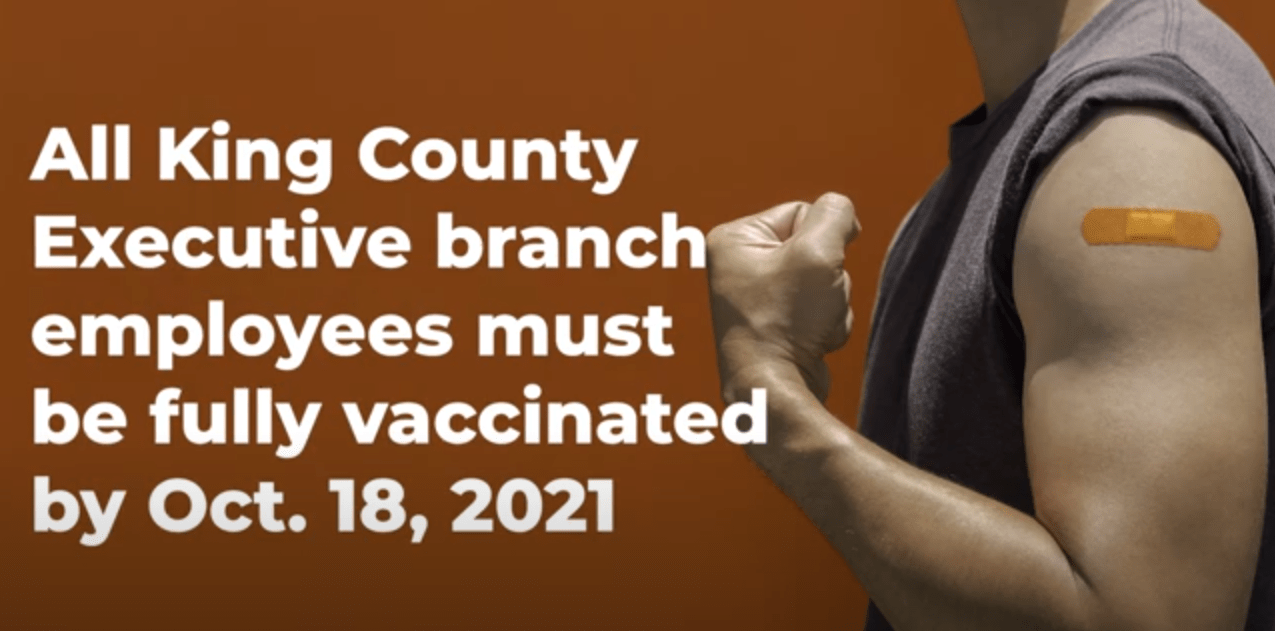
All King County Executive branch employees must be fully vaccinated by Oct. 18, 2021, and there are some important dates you need to know to meet this requirement.
We’ve put together a short 90-second video that outlines the key dates for the three approved vaccines – Moderna, Pfizer, and Johnson & Johnson – and when you’ll need to start the vaccine schedule to be fully vaccinated by Oct. 18, 2021.
Watch the video below:
Share this:

What are the benefits of getting a COVID-19 vaccine?
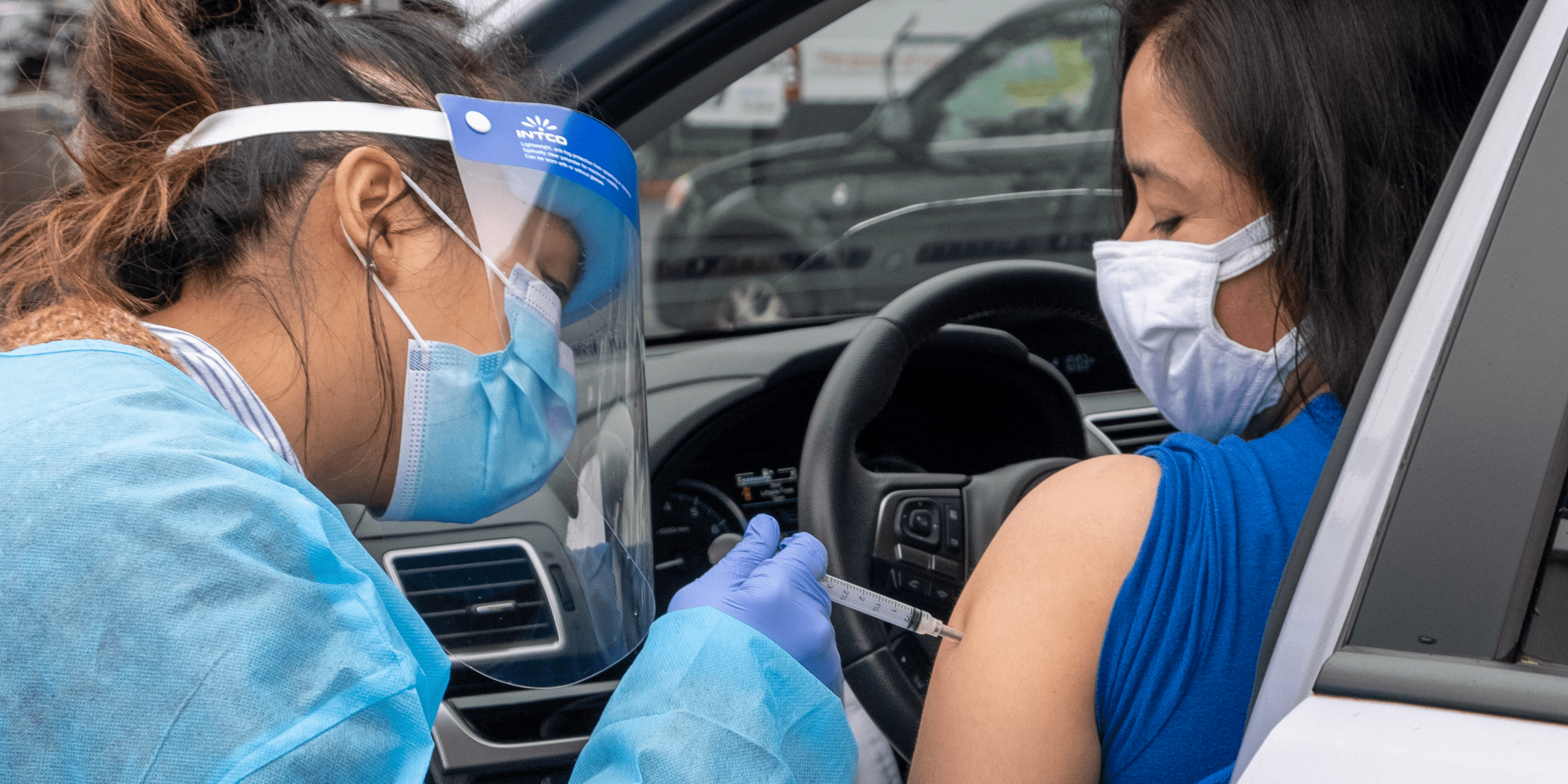
Getting vaccinated against COVID-19 is not only important in protecting you from contracting the virus, but you are also helping to protect your family, friends, co-workers, and customers, especially those who may be at higher risk for severe illness from COVID-19 and those who cannot be vaccinated.
COVID-19 vaccination will help you from getting sick or seriously ill with COVID-19.
- It helps protect you by teaching your body’s immune system to fight the virus without having to experience a COVID-19 infection.
- In the clinical trials, the COVID-19 vaccines that are currently available were found to be highly effective in protecting people from COVID-19.
COVID-19 vaccine will be an important tool to help stop the pandemic.
- Getting vaccinated will help to protect you, your friends and family, and other people in the community from COVID-19.
- The combination of getting vaccinated and following public health recommendations will offer the best protection from COVID-19 at this time.
- Wearing masks and social distancing help reduce your chance of being exposed to the virus or spreading it to others, but these measures alone are not enough. Vaccines will work with your immune system so it will be ready to fight the virus if you are exposed.
Over time, as more people are vaccinated, we may no longer need some of the other COVID-19 prevention measures that are necessary at this time.
If you haven’t already been vaccinated, you can find out where to get your vaccine and find answers to your questions at www.kingcounty.gov/vaccine. All King County Executive branch employees must be fully vaccinated by Oct. 18, 2021.
This information is courtesy of Public Health – Seattle & King County.
Share this:

2020 Innovation Award for Cost honorees
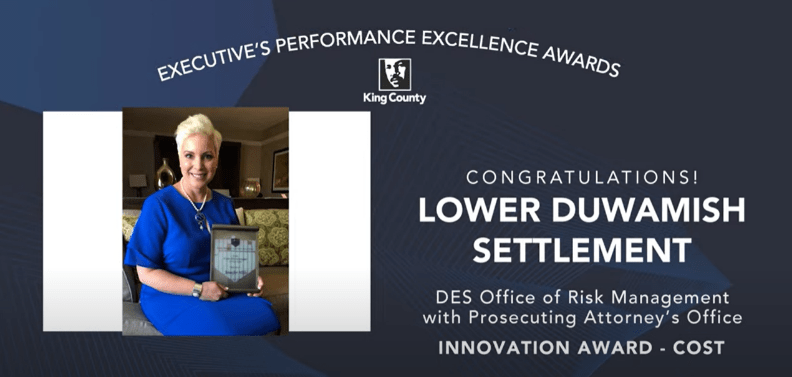
The King County Innovation Awards seek to honor employees within department teams whose projects, improvements, and ingenuity deliver exceptional, measurable results. These honorees have considered challenges within their delivery of services to King County residents, and developed solutions that address an important need. Through the True North values of “We solve problems” and “We drive for results,” these honorees met each challenge in a creative and forward-thinking manner.
Receiving the Innovation Award for Cost, which includes anything that is financially related and affects the County’s finances, is the Department of Executive Services in partnership with the Prosecuting Attorney’s Office. Their project focused on implementing cost-effective insurance policies to help clean up the Lower Duwamish Waterway.
Due to the pandemic, the Executive and other leaders at King County congratulated the 2020 honorees by video.

The Office of Risk Management and the Prosecuting Attorney’s Office worked with an insurance archeologist, forensic accountant, and computer probability models to negotiate millions of dollars in insurance settlements at an enormous cost-savings to taxpayers.
“Risk Management and the Prosecutor’s Office ultimately recovered $97 million for the county; Money that we never expected we would have,” said Budget Director Dwight Dively. “And it appears that that will more than cover the entire cost for the County of cleaning up.”
“So through that outstanding work, we have protected our taxpayers and ratepayers from a significant cost that they otherwise would have incurred.”
View this video to see Budget Director Dwight Dively recognize the honorees for the Innovation Award for Cost. Select the time
Executive’s Performance Excellence Awards
The Innovation Awards are part of the Executive’s Performance Excellence Awards series, honoring employees and workgroups at King County for their exceptional contributions to performance, leadership, and innovation.
“As we build a best-run government at King County, these awards recognize individuals and teams who have gone above and beyond to look at how they can do things differently to better serve our customers and employees,” said King County Executive Dow Constantine.
Learn more about the King County Performance Excellence Awards here.
Share this:

Getting vaccinated has never been easier

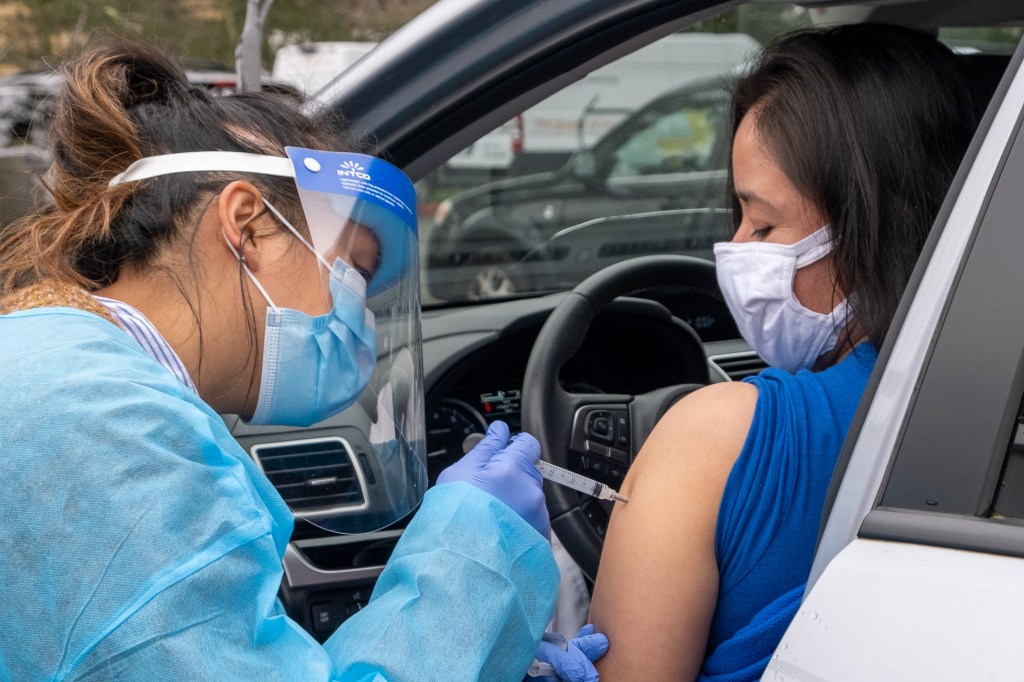
All King County Executive branch employees must be fully vaccinated by Oct. 18, 2021, and there are many options for getting vaccinated in your community or at work. No appointment is needed at many community locations, and most pharmacies, clinics, and Public Health centers now offer drop-in COVID-19 vaccination.
Vaccination is available regardless of insurance, citizenship, or immigration status. You will not be billed or charged for vaccination. COVID-19 vaccine is always free. Because obtaining the vaccination is mandatory, employees will be paid for the time spent getting the COVID-19 vaccine. This includes travel time to and from the vaccination site.
Visit the Vaccine Locator or check the King County partnership sites listed below for site schedules, drop-in options, and available vaccine types.
King County Public Health Centers: Click here to schedule a vaccination appointment at King County’s Kent, Auburn, Downtown Seattle, or Bellevue Eastgate vaccination clinics.
Drive-through or in-car vaccination is available at the Snoqualmie Valley Hospital (Monday through Friday), HealthPoint Renton (Tuesday through Saturday), and the Kent Public Health Center (Monday through Friday). More details are below.
Free rides to and from your vaccination are offered by Lyft and Hopelink Mobility (phone: 425-943-6706).
Free childcare is available for vaccination appointments and recuperation from KinderCare (phone: 1-866-337-3105), the Learning Care Group (phone: 1-833-459-3557), and the YMCA (contact your local YMCA to learn more).
Several pop-up vaccine clinics are coming up for King County employees and their families.
You can receive a second Moderna or Pfizer vaccine dose at most sites, even if you received your first dose at a different location. Please bring a photo of your first dose vaccination card.
You can find out where to get your vaccine and find answers to your questions at www.kingcounty.gov/vaccine. Our one-stop employee COVID-19 vaccines webpage also has information on how to get a vaccine, your leave options, and much more.
Everyone ages 12 and older can get a vaccine. Ages 12-17 can get Pfizer ONLY, ages 18+ can get Pfizer, Moderna, or Johnson & Johnson. Learn more about vaccination for youth at kingcounty.gov/vaccine/youth.
Share this:

A workplace free of discrimination, harassment, and inappropriate conduct
By Whitney Abrams, Chief People Officer
Three years ago I launched King County’s Nondiscrimination, Anti-Harassment and Inappropriate Conduct Policy as part of our efforts to provide a workplace culture where every employee is treated with respect and valued for their unique skills, experiences, and perspectives.
Our policy is clear: any type of harassment or discrimination at King County is prohibited. The policy clearly sets out the conduct and behaviors that will not be tolerated, as well as how to report incidents, all employees’ responsibilities, and the consequences of non-compliance.
Since launching the policy in 2018, we have listened to feedback and found that there were areas that could use better clarity and updating. The first, most obvious change is that we have updated the title to Nondiscrimination, Anti-Harassment & Inappropriate Conduct Policy & Reporting Procedures to make it clear that the procedures in the policy are for reporting rather than investigation.
Other changes include:
- Making clear that the county will determine the appropriate response to complaints, which may or may not include a formal investigation
- Making clear that inappropriate conduct must be based on a protected class
- Adding domestic violence victimization to the protected status list
- Adding deliberately misgendering someone to the examples of harassment
- Making clear that inappropriate conduct includes conduct not rising to the level of illegal sexual harassment
- Adding that an employee can report a violation either verbally or in writing.
In addition, we have added language to the supervisors and managers responsibilities to lay out their responsibility to:
- Use good judgment in determining appropriate corrective actions and that if unsure, they should consult with their HR Manager, and
- Actively monitor the workplace to ensure compliance with this policy, and that failure to do so may result in discipline.
You can review the updated policy here. We will soon launch required training for all employees in the Executive Branch, including employees in Elections, Assessments, and the Sheriff’s Office, which will include a short video and an online course. The training will help to ensure that we all understand the updated policy, and our expectations and responsibilities in the workplace.
Thank you for helping us create a safe, supportive, and respectful workplace culture where every employee can thrive.






 Employee News