
Pet of the Week: Coco

 Summer is nearly here – and our Pet of the Week Coco is ready for some outdoor fun with you!
This young German Shepherd/Akita mix is energetic, playful, and loving – so he’s one of our “Rambunctious Red” pets. Coco is a very smart dog who is learning how to “sit.” Though Coco may come off as seeming uninterested, he simply needs some time to warm up before being your best friend. Given his boundless energy, Coco would do best with lots of exercise as well as brain games such as puzzle feeders to tire him out.
Share this:

What does Phase 2 mean for families?

 Crossposted from Public Health Insider
Are you a parent or caregiver wondering what Phase 2 means for your family? We’ve compiled a list of questions and answers that may help you navigate through some of the confusion as we safely re-open.
Can we see friends and family again?
Yes! You can gather with up to five favorites once a week. For example, you can invite five or fewer friends over to your home once a week. (That number six on your list should be on your B team and will have to come over the following week). In reality, there isn’t one perfect magic number, but if we all follow these general practices, we will be in a better spot to slow the spread of disease.
Openly communicate with family and friends about exposures and potential symptoms. Helping one another make fully informed decisions about gathering is considerate and caring. Transparent sharing helps everyone determine the safest time and place to send time together.
Share this:

Celebrating Pride and the fight for equality
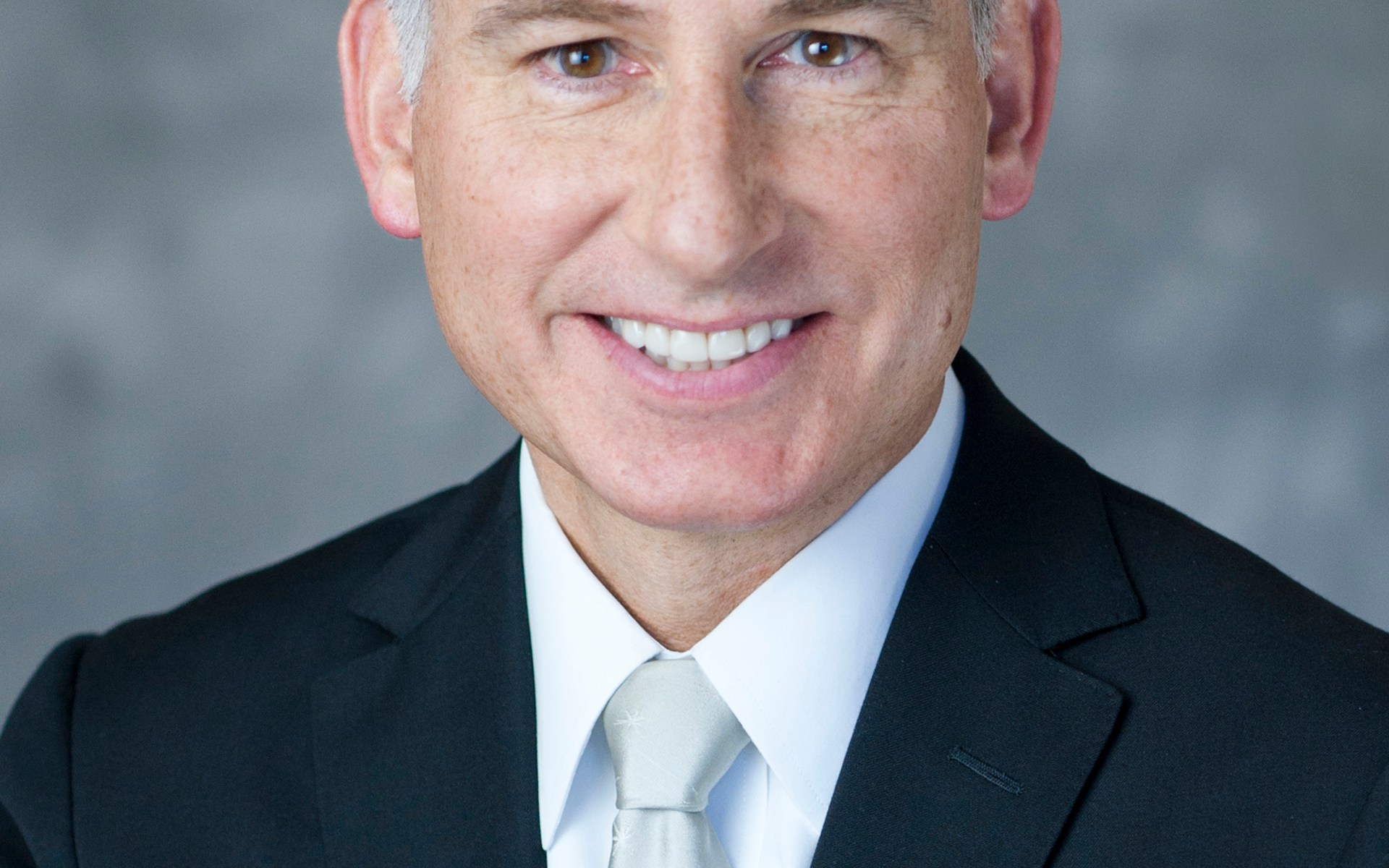
Dear fellow King County employee,
Each June, we celebrate Pride and the fight for equality and equal rights for LGBTQ+ people, their accomplishments, and many contributions to our communities here in King County and around the world. While COVID-19 precautions prevent us from celebrating together in person, the fight for equality remains critical.
This year’s Pride celebrations come at a time when millions of people are standing up to ongoing racism, violence, and killings of black people and other people of color, and the systemic racism that continues to impact the life outcomes for black, indigenous, and people of color. It is important to remember that Pride began as a protest against discrimination and police violence, in the form of the Stonewall Uprising in New York City in 1969. Trans women of color like Marsha P. Johnson and Sylvia Rivera were at the forefront of these protests. Fifty-one years later, trans people and the entire LGBTQ+ community are standing in solidarity with the Black Lives Matter movement.
Many LGBTQ+ Americans continue to experience discrimination and fear today, and this is amplified for many LGBTQ+ people of color. Just two weeks ago, the Trump administration’s Department of Health and Human Services finalized a rule that would remove anti-discrimination protections for LGBTQ+ people in health care and health insurance. Despite this move, and others like it by this administration, there are still glimmers of hope. Just last week, the Supreme Court ruled that job discrimination against LGBTQ+ employees is illegal. We’ve led the way by providing those protections here in King County and in Washington state for years – now, the court’s ruling lets every community work towards that same security.
At King County, we believe in a supportive, inclusive, welcoming community, and we are working to make it so. This year, we expanded our health plans’ coverage for transgender employees and their covered family members. King County has covered gender transition surgery and hormone replacement since 2015, but starting in 2020, we now cover additional gender-affirming procedures and treatments to comply fully with World Professional Association for Transgender Health (WPATH) standards, including procedures most insurers exclude. King County was the first public sector employer in Washington to cover these expanded services.
This is an important step in our efforts to build a truly welcoming and inclusive workplace, and an example of living our values and True North.


Today I raised the Progress Pride Flag over the Administration Building to celebrate Pride. The Progress Pride Flag adds black and brown stripes to the rainbow, as well as the colors of the trans flag, to ensure that LGBTQ+ people of color and trans people are clearly represented in King County’s celebration of Pride. Just as the original six-color Pride flag served as a symbol of hope, strength, and unity in the depths of the HIV/AIDS crisis more than three decades ago, the Progress Pride flag can do the same now as we confront the twin pandemics of COVID-19 and racism. You can watch a short video of the flag raising here.
The fight for equality and equal rights continues, and I am proud to lead a County and a workforce that stands for the rights of all people.
Sincerely,

Dow Constantine
King County Executive
Share this:

King County employee guidance for wildfire smoke during COVID-19

With the COVID-19 pandemic, it’s even more important to prepare ahead for wildfire smoke and extreme heat this summer. Washington State is already above average for the number of fires for this time of year, and experts are forecasting a high chance of wildfire smoke in our region this summer.
Wildfire smoke may make it more difficult to fight respiratory infections such as COVID-19. It may also increase some people’s sensitivity to infection by COVID-19 and in some cases may make the symptoms of COVID-19 more severe. A previous COVID-19 infection may also make you more sensitive to wildfire smoke.
When air quality is at unhealthy levels, avoid smoky air by staying indoors as much as possible and avoid intense outdoor activities. Wildfire smoke may cause headaches and irritation of your eyes, nose and throat and poses a serious health risk for sensitive groups. People who are most sensitive to wildfire smoke are pregnant women, children, people over the age of 65, and those with heart or respiratory conditions such as heart disease, asthma, COPD, diabetes, and stroke survivors.
At work
King County services that are currently operational during this phase of the COVID-19 pandemic will remain open. We need to plan to minimize exposure to wildfire smoke, especially for employees who are in groups that are most sensitive to smoke, such as those with heart or respiratory conditions.
Because King County’s mandatory telecommuting has been extended through September 7, 2020, many employees will be working from home this summer. If you are home, take steps outlined on the wildfire smoke webpage to ensure that your home work space has clean and cool air, and follow the checklist to prepare for wildfire smoke season.
Some people need to be outdoors for their work or other responsibilities. Start planning with your supervisor and employees now. Some actions to consider include:
- Talk to your supervisor about possible options to reduce the amount of time you spend outdoors by performing desk work or alternate work assignments on smoky days.
- The air quality level can change quickly, so check air quality conditions regularly and if possible, adjust your schedule to avoid travel and working outdoors during periods when air quality is the most impacted by smoke conditions (keep in mind air quality is typically the worst in the middle of the day during wildfire smoke).
- If you must work outdoors, limit time outdoors to a minimum and find a safe location to breathe filtered air while maintaining social distancing during breaks from outdoor work. Due to the COVID-19 pandemic, it will be more difficult to find public spaces to take clean/cool air breaks this year. Check with your supervisor or King County vehicle fleet manager to determine if a HEPA or MERV-13 cabin air filter can be installed in your county vehicle, so you can obtain clean air throughout the day (King County Fleet Maintenance may be able to offer installation of HEPA filters on county fleet vehicles upon request).
- Drink plenty of water.
- If you have medical conditions that could be worsened by wildfire smoke, consult with your medical provider and speak with your supervisor to work out the best options for your work schedule on smoke days.
- You may be able to use accrued vacation or comp time when there is wildfire smoke instead of reporting to your designated work location. You may request leave, subject to approval by your supervisor. If you have no leave accrued, your supervisor may approve leave without pay to cover absences. Please refer to HR Bulletin 2011-0009 County Operations During Emergency Situations and Inclement Weatherto learn more.
It is not known how much protection cloth face coverings or surgical masks provide from wildfire smoke. N95/N100 masks can provide protection to some people when worn properly but can also worsen conditions for people with existing respiratory conditions. Due to COVID-19, N95/N100 masks may not be available and those available are in need by medical professionals. If an N95/N100 mask is required for your work, fit testing should be conducted to be sure you are protected when wearing the mask (for more information on mask fitting is here).  To reduce the spread of COVID-19, all King County residents are directed to wear cloth face coverings in most public settings.
More information from Public Health – Seattle & King County about wildfire smoke and your health can be found here. Additional information from WA Department of Health and EPA on indoor air filtration during wildfire smoke can be found here and here.
Share this:

Seven questions people ask about our daily COVID-19 data dashboard

 Crossposted from Public Health Insider
The recently expanded “Daily COVID-19 outbreak summary” shows the latest data for test results, hospitalizations and deaths in King County and in each city, town and zip code. Dashboard users can use “tabs” to filter by race, age and gender for each location. They can also compare how each city or zip code area compares to the overall rates for King County. (Most unincorporated areas are also included, and more will be added.)
The dashboard includes demographics for race, age, and gender.
(Don’t miss the other COVID-19 data dashboards, showing the status of the pandemic and impacts on the community.)
Keep in mind that the dashboard is a snapshot at one moment in time – it’s not a final report. New information is constantly arriving, and when we update any of the data dashboards, it represents a snapshot of what we knew at that moment.
Share this:

Live healthier with these free wellness programs

 When you feel healthy, you can get the most out of life and do your best work. That’s why we created Balanced You, a program to help all King County employees meet their financial, emotional, and physical needs.
Two scientifically-proven wellness programs, Omada and Living Well, are free for employees and dependents. These programs – available in live, interactive formats online – are designed to help you reduce the risk of long-term health conditions such as diabetes, or manage long-term health conditions if you are already diagnosed. Visit the Balanced You blog for more information.
Share this:

Update on our services in Safe Start Phase 2
 Crossposted from Tails from RASKC
King County is now in Phase 2 of Gov. Inslee’s “Safe Start” plan, another step forward as we work to carefully and gradually recover from the COVID-19 pandemic. Our focus at Regional Animal Services of King County continues to be helping people and pets safely as our region emerges from the public health emergency.
Many of our services can be accessed online or by phone from the comfort of your home, including animal control response, lost and found pet services, and pet licensing. Phase 2 allows many businesses and service providers to assist in-person customers, such as potential pet adopters, at 50% of their normal indoor capacity. However, for those interested in adopting a pet from RASKC, we will continue our Adoptions by Appointment program for now, and all adoptions will continue to be based out of our Kent location.
Share this:

The virus hasn’t let up and we can’t either

 Crossposted from Public Health Insider
On June 19, King County was approved for Phase 2 of the Governor’s Safe Start plan. Phase 2 allows for twice the capacity in retail, restaurants, and other businesses previously allowed in King County’s modified Phase 1 and goes into effect immediately.
There are several new things that we can do in Phase 2.
- We can now enjoy eating out a favorite restaurant—and it will be roomy because capacity is limited to 50%.
- You can shop more easily to get what you need at a clothing store.
- You can gather with up to five favorites once a week. For example, you can invite five or fewer friends over to your home once a week. (That number six on your list should be on your B team and will have to come over the following week). In reality, there isn’t one perfect magic number, but if we all follow these general practices, we will be in a better spot to slow the spread of disease.
Share this:

King County enters Phase 2 of Safe Start recovery plan

King County’s application to enter Phase 2 of Gov. Inslee’s Safe Start recovery plan was approved by the state Department of Health last Friday, allowing many businesses following the state guidelines to operate at double the capacity of the modified Phase 1.
Following approval by state Secretary of Health John Wiesman, King County has officially entered Phase 2 of the state’s Safe Start recovery plan to allow limited business re-opening. Phase 2 allows for twice the capacity in retail, restaurants, and other businesses
Read more in the official press release.
Share this:

Emergency Deployment Program needs your administrative and project management skills

Do you have administrative, finance, data entry or project management skills and want to assist with King County’s response to the coronavirus? If so, we need you!
As King County continues to respond to the coronavirus (COVID-19) outbreak and keep our workforce, workplace, and community safe, there is an urgent need to fill administrative-related roles within the county. These opportunities for temporary work redeployment are available to employees who can assist with COVID-19 related concerns. In support of the county’s mandatory telecommuting order, most roles can be done remotely. Some assignments can also be done while performing normal job duties. Employees will also be provided training and support to help them succeed in these temporary redeployments.
The most urgent needs for emergency staffing include:
- Organize, oversee, establish and maintain data sources that may include inventory, contracts, budgets, outreach documents and/or other records.
- Plan, organize, schedule and coordinate work activities.
- Overall responsibility for the operational and logistical needs at an assigned site.
- Fill PPE orders and maintain inventory counts.
- Respond to COVID-19 related questions from the community via phone and email.
- Compose, draft, summarize, prepare, proofread and/or edit documents.
- Schedule meetings and maintain calendars for supervisor and/or organizational unit/program.
For more information please visit the Emergency Deployment website. Please complete the Employee Questionnaire and submit to emergencystaffing@kingcounty.gov.






 Employee News