
Tech Tip: Video daily double

This week’s tech tip is a video daily double! We teach you how to access your King County email on an iOS device (aka iPhone). The video profiles me (a total novice) walking through the steps as Myranda Miller (our Mobile Device Management expert) provides direction. It’s 7 minutes long. We’re working on an Android version of this next. Enjoy!
Tech Tip: Privacy protections and the internet
There has been a lot of talk recently about Internet Privacy. The other Washington is moving to change online privacy protections and this Washington is moving to protect them at the state level. No matter what the outcome, this is a good reminder that we should all take some basic precautions to safeguard our privacy while surfing the web. Check your ISPs Privacy Policy Your ISP is your Internet Service Provider (AKA Comcast, AT&T or Verizon). Every ISP has a policy which governs what they will do with your personal information. This… Read More
Enhanced Wireless at the King County Courthouse

Update provided by KCIT King County Information Technology is pleased to announce completion of the King County Main Courthouse Enhanced Wireless Network project. This means all floors and all devices – from 12 to the basement, laptop to smartphone – will now experience top-of-the-line, high-speed connectivity 24/7/365. Some of you may have already noticed that you can take your laptop anywhere and stay connected everywhere. It’s more than connectivity. You can download documents, check calendars, exchange email without standing next to a hot spot or returning to your desk. This project supports… Read More
KCIT deploying laptops to increase mobility and reduce costs
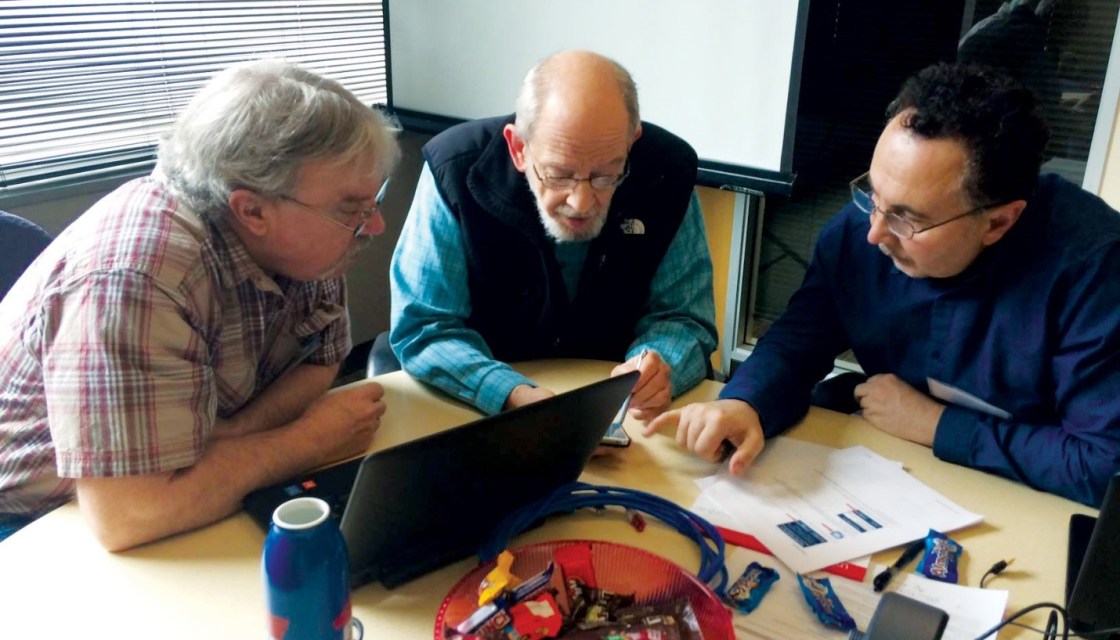
King County is embracing mobile technology as it strives to help employees be more productive and efficient, regardless of where they are working from. Nearly 8,000 of King County’s 10,000 PCs will be laptops by the year 2020. “Laptops use less energy and allow more flexibility,” said KCIT Communications Manager Jamie Holter. “We have a goal of 80% laptop deployment by 2020, up from 27% a year ago.” Last year, KCIT moved forward to standardize on laptop and mobile devices to reduce annual County expenses by some $800,000, providing employees mobility and… Read More
Tech Tip: KC eLearning, Explore and leverage a wealth of resources . . . today
Whether you’re looking for just-in-time support for an immediate task, skill and knowledge development around a specific topic, or a certification prep series to propel your career, KC eLearning is your new best friend. Tailor your learning with 1,000s of resources, the flexibility of 24/7 access, and learning at your own pace in your own space. To get started with KC eLearning, download the KC eLearning Quick Start Guide here or click on the links below:
Tech Tip: Skype Bites: How to forward your phone using Skype for Business
No one can be at their desk 24/7/365. Skype for Business allows you to forward your calls to many places including your personal cell, an individual or an entire call group. Learn how in 94 seconds.
Tech Tip: Common IT wisdom that keeps you secure
By Ralph Johnson, Chief Information Security and Privacy Officer Day in and day out, employees hear the same things from their IT staff about cybersecurity and safety. Though they may sound like a broken record, there are very important reasons and rationale behind these practices and advice. Keeping safe and secure while connected isn’t just about how your system is set up – it is also very much about how you end up using it. Below, we discuss some common IT staff wisdom and provide some background information and the rationale as to… Read More
Tech Tip: Skype Bites: How to get Skype for Business into your Outlook and Calendar Ribbon
Lots of people email me, Jamie Holter, and say, “I can’t even get Skype on my computer! Your Skype bites are of no use to me!!” Well, here’s how to do it in 30 seconds.. well… 39 seconds.
Tech Tip: Skype Bite: Virtual meeting tools
Skype is a powerful tool. You can hold virtual meetings with anyone inside and outside King County providing they have Skype for Business. In this week’s Skype Bite, learn how to start the meeting, share your desktop, share a PowerPoint (or any other document, like an Excel spreadsheet or Word doc) pull up and brainstorm on a virtual whiteboard, then mail that whiteboard to everyone on the call. View the video below to learn how to use these virtual meeting tools.
Tech Tip: Create a Skype meeting
This one minute video shows you how to turn a regular meeting into a Skype meeting for guests unable to attend in person. Let our friendly IT ambassador Jamie Holter walk you through it.






 Employee News